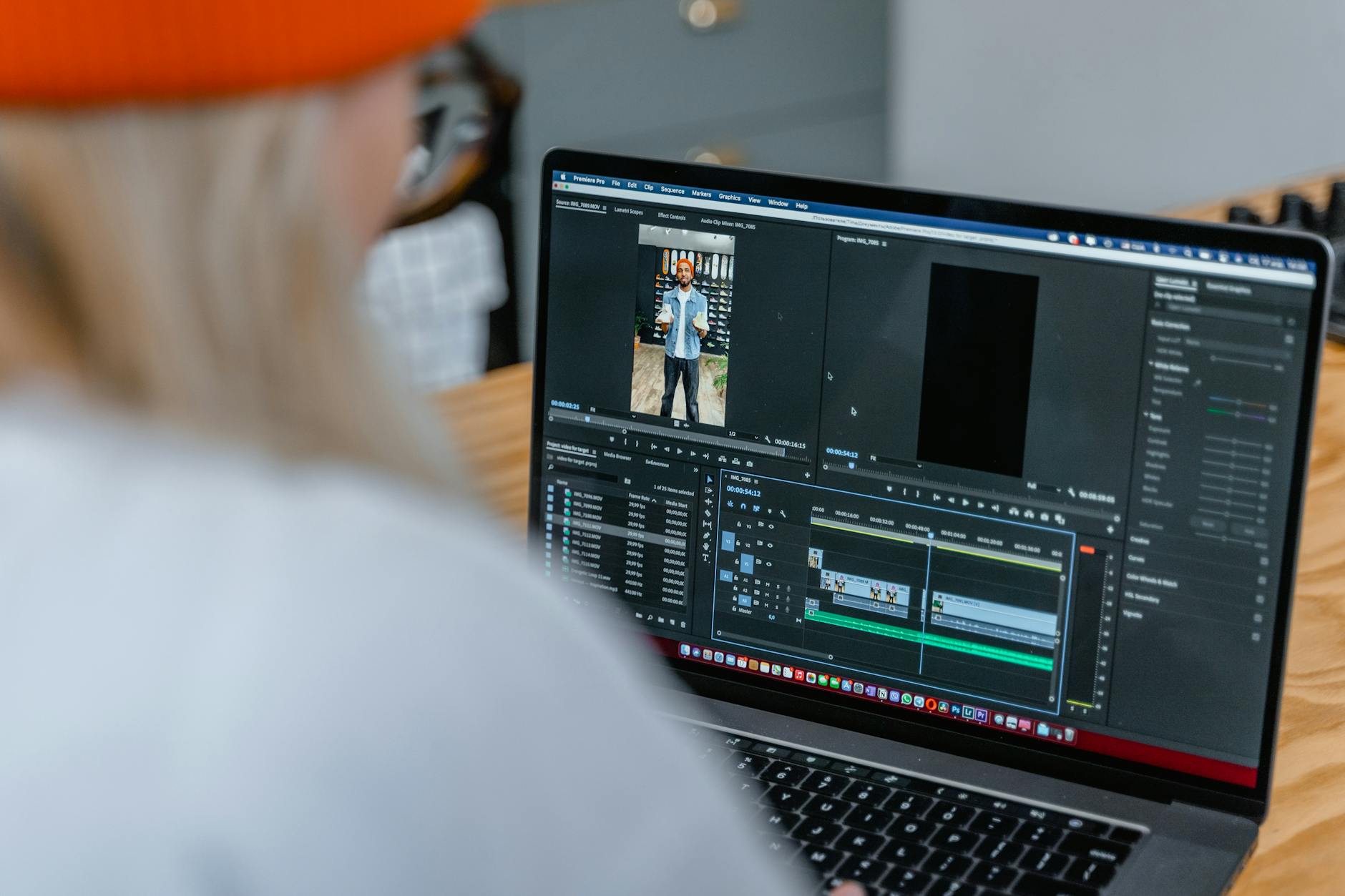
Discover the best AI video generators for Shorts, TikTok, Reels, and ads in 2026 — ranked by real-world use, creative control, automation features, and monetisation potential.
Let’s be honest: most “best AI video tools” lists are written by people who’ve never made a short, never posted consistently, and never tried to monetise anything.
They copy features, paste pricing, and call it a day.
This isn’t that.
This is a practical list of AI video tools I’ve either used myself or seriously tested — ranked for people who want to make Shorts, Reels, TikToks, and monetisable content without turning it into a full-time editing job.
No hype. No “this will change your life.”
Just what works, who it’s for, and where the limits are.
1. Grok Imagine – Best for Original AI Visuals and Creative Control
If you care about originality, this is the strongest option right now.
Grok Imagine lets you generate custom AI visuals, characters, and concepts that you can turn into short-form videos, ads, and branded content. It’s not just about slapping text on stock footage — it’s about creating something that actually looks like yours.
This is ideal if you’re building a brand and don’t want your content to look like everyone else’s recycled templates.
Best for: Creators who want unique visuals and long-term branding
Limitations: Requires more creative input than “one-click” tools. It’s free, but at a cost — you have to spend more time manually using and editing the videos.
Bottom line: The best choice if you don’t want your content to look generic
Try it by clicking here! It’s completely free.

2. AutoShorts – Best for Automated Short-Form Channels
AutoShorts is built for people running faceless YouTube Shorts, TikTok, or Reels accounts.
You give it a topic, format, or feed, and it handles a lot of the creation process automatically. This is popular with people building multiple channels or testing niches quickly.
It’s not about artistic expression. It’s about volume.
I love AutoShorts for that alone — everything about it is automatic. You can always customise the script of your video between scheduled posts, but otherwise you just put a prompt in, videos get generated daily, and they’re posted to your Tik Tok, Instagram and YouTube.
It’s less work – just a tweak now and then.
Best for: Faceless channels and content automation.
Limitations: Less creative control.
Bottom line: Great if your goal is scale, not self-expression

3. InVideo – Best All-Round AI Video Tool
InVideo is one of the most balanced platforms out there.
It combines templates, AI scripting, stock footage, voiceovers, and editing in one place. If you’re running social pages, ads, or promo content, this is a reliable workhorse.
It’s not flashy. It just works.
Best for: Social media managers and general creators. Depending on your subscription, you can generate videos with fully licensed stock footage, or generative AI.
Limitations: Templates can feel overused, and you have to manually upload videos to different channels
Bottom line: Safe, solid, and versatile

BONUS Mention
CapCut Pro
CapCut sits slightly outside the usual “AI video generator” category, but it deserves a mention because it’s one of the most practical tools for creators who actually publish consistently.
It’s a full video editing platform with professional-grade features, wrapped in a clean, consumer-friendly interface. You get multi-track timelines, transitions, effects, captions, audio tools, and easy exports for TikTok, Reels, and Shorts — without paying hundreds per year.

I’m a trained post-production editor with experience using industry-standard software, and I still swear by CapCut. It’s fast, intuitive, and focused on getting content finished instead of buried in menus.
It also includes generative AI tools that let you create videos from text and templates without filming anything, which makes it ideal for faceless channels and affiliate content.
CapCut works on desktop and mobile, so you can edit anywhere. The free version is genuinely useful, and if you want advanced features, you can upgrade to Pro and get a 7-day free trial through our link.
Best for: Creators who want pro-level editing without pro-level costs
Limitations: Some advanced features are locked behind Pro
Bottom line: One of the best all-in-one tools for editing, AI creation, and social publishing in one place
The Other Contenders
4. Pictory – Best for Turning Articles into Videos
If you write blogs, Medium articles, or long posts, Pictory is extremely useful.
You can turn written content into short videos automatically, making it perfect for repurposing.
This fits very well with SEO + content marketing strategies.
Best for: Bloggers and content repurposers
Limitations: Limited design flexibility
Bottom line: One of the best tools for recycling written content
5. Synthesia – Best for AI Avatar Videos
Synthesia is known for its AI presenters and avatars.
You type a script, choose a digital “person,” and it generates a talking-head style video. This is popular for explainer videos, training, and corporate content.
Not exciting — but very useful in the right context.
Best for: Business explainers and tutorials
Limitations: Can feel robotic
Bottom line: Practical, not creative
6. Runway ML – Best for Advanced AI Video Generation
Runway is where things get more “serious.”
It offers advanced text-to-video, video-to-video, and generative effects. If you’re experimenting with cutting-edge AI visuals, this is where many creators go.
It’s more powerful — and more complex.
Best for: Advanced creators and experimental content
Limitations: Steeper learning curve
Bottom line: For people who want to push AI video further
7. Lumen5 – Best for Marketing Content
Lumen5 is designed for turning text into marketing videos quickly.
It’s widely used by brands, agencies, and content teams who need consistent social posts.
Not exciting, but dependable.
Best for: Businesses and marketers
Limitations: Looks “corporate”
Bottom line: Reliable for professional social content
8. Revid AI – Best for Fast Shorts Creation
Revid AI focuses on speed.
It’s built for pumping out TikToks, Reels, and Shorts with minimal setup. Good if you want quick turnaround without learning complex software.
Best for: Fast content production
Limitations: Less customisation
Bottom line: Useful for rapid posting schedules
9. BigMotion – Best for Motion-Based Shorts
BigMotion specialises in animated text, motion graphics, and dynamic visuals.
If your content relies heavily on captions, quotes, and fast-moving graphics, this can be a good fit.
Best for: Quote pages and kinetic text videos
Limitations: Limited storytelling tools
Bottom line: Niche, but effective in the right format
10. Veed.io – Best Browser-Based AI Video Editor
Veed is an all-in-one browser editor with AI features like captions, trimming, and cleanup.
It’s not a pure “generator,” but it’s very useful for finishing and polishing AI-created content.
Best for: Editing and exporting
Limitations: Not a full generator
Bottom line: Great supporting tool
How I Actually Use These Tools Together
Here’s the part most lists skip.
I don’t use one tool for everything.
A realistic workflow looks more like this:
- Generate visuals with Grok Imagine
- Automate volume with AutoShorts
- Edit and polish with InVideo or Veed
- Repurpose articles with Pictory
- Experiment with Runway when needed
You build a stack. Not a dependency on one platform.
That’s how this stays sustainable.
Which One Should You Choose?
Quick guide:
- Want originality and branding? → Grok Imagine
- Want automation? → AutoShorts
- Want balance? → InVideo
- Want repurposing? → Pictory
- Want business explainers? → Synthesia
- Want cutting-edge AI? → Runway
If you’re paralysed by choice, start with one and ship something. Tools don’t make money. Output does.
Affiliate Disclosure
Some of the links in this article are affiliate links. That means I may earn a commission if you sign up through them, at no extra cost to you.
I only include tools I’ve used or genuinely think are useful. I’m not here to recommend rubbish for a quick payout.
So…
AI video tools are everywhere now.
Most of them are fine.
Some of them are genuinely useful.
None of them will save you if you don’t publish.
Pick one. Learn it. Use it consistently.
Then worry about optimisation.
If you want to see how I actually turn these tools into income-producing content, check out my AI-Driven Affiliate Publishing System — it’s the full workflow, without the fluff.
Now go make something instead of reading another comparison article.
Watch:
Here’s a video where I compare 3 “viral shorts” AI tools I tried. You might already know which one I found was the best.

What Is Airbnb (and Should You Actually Become a Host?)
What is Airbnb? That and all your other questions answered, by an entrepreneur who has been there, done that, and still doing it as one of his 8 streams of income.


Sell Digital Products as a Beginner: 5 Ideas You Can Start With Today
Digital products are one of the most accessible income streams available right now. No inventory, no shipping, no customer service nightmare.

How to Quit Your Job (Without Losing Yourself in the Process)
I didn’t quit my finance job because I couldn’t handle pressure. I quit because the call centre slowly turned me into someone I didn’t recognise. Scripts, rigid metrics, constant monitoring — it wasn’t the customers, it was the company.
This isn’t a motivational post. It’s what happens when you stay too long in the wrong…
Comments
4 responses to “10 Best AI Video Generating Platforms in 2026 (Ranked by a Pro Video Editor)”
[…] That’s why a ranked, opinionated breakdown matters. If you’re overwhelmed by “AI video tools” and you want a realistic shortlist instead of a hype list, use: 10 Best AI Video Generating Platforms in 2026. […]
[…] Use automated video tools (10 Best AI Video Generating Platforms)? […]
[…] And if you’re creating content, editing videos, or building online leverage, here’s a breakdown of the platforms actually worth using:10 Best AI Video Generating Platforms in 2026 (Ranked by a Pro Video Editor) […]
[…] Short-form video: TikTok/Reels with product angles (don’t overpromise; keep it practical). […]